Install Ankobi
Add Ankobi from Google Marketplace and open it in your spreadsheet.

Ankobi securely imports your bank transactions into Google Sheets, automatically categorises them, and turns them into a budget you can actually keep — no downloads, no copy-paste.
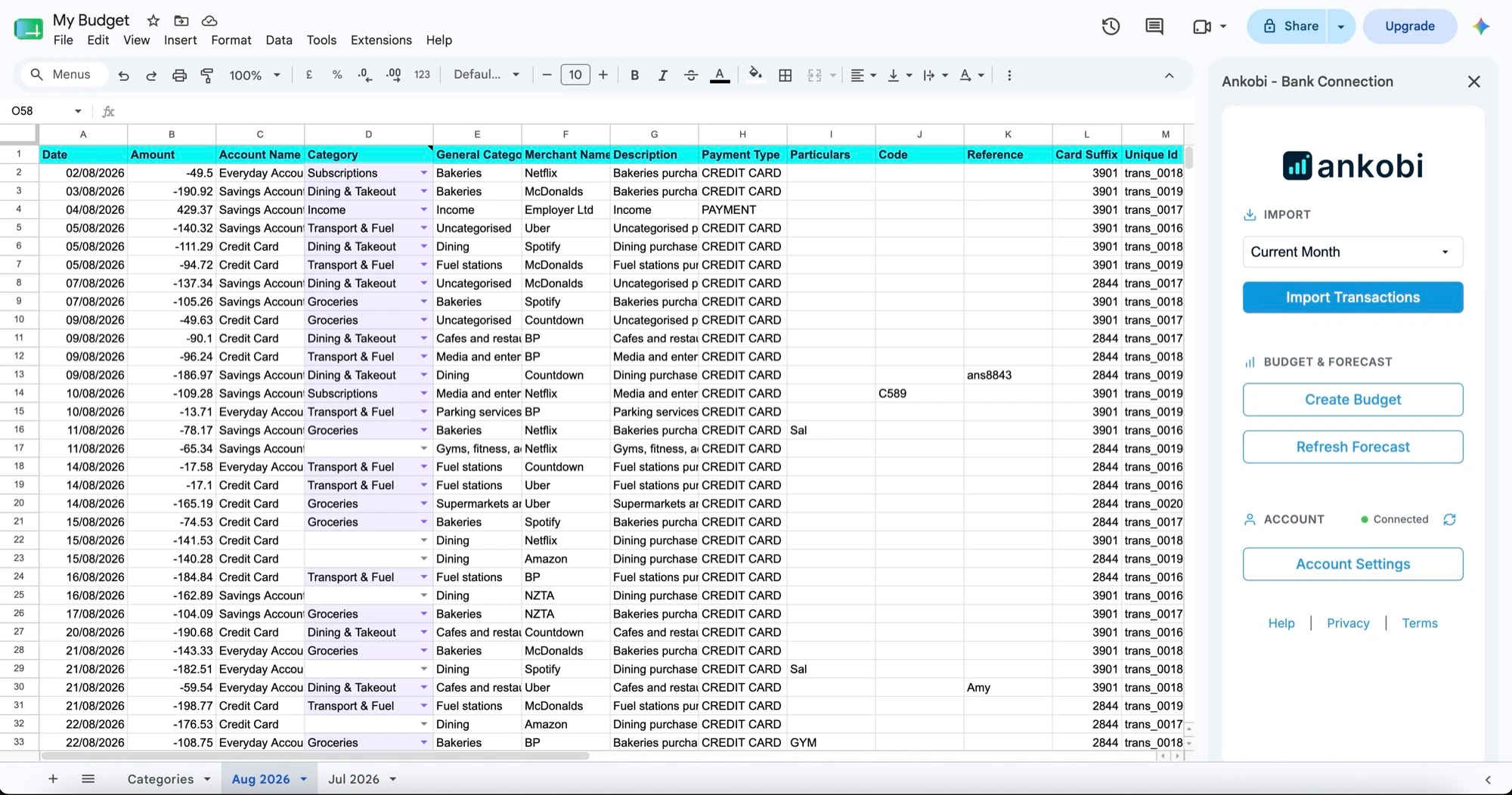
Built for personal finance and small-business tracking.
Pull your latest bank transactions straight into Google Sheets — pick a period and import. Connect as many bank accounts as you like. No CSVs, no copy-paste.
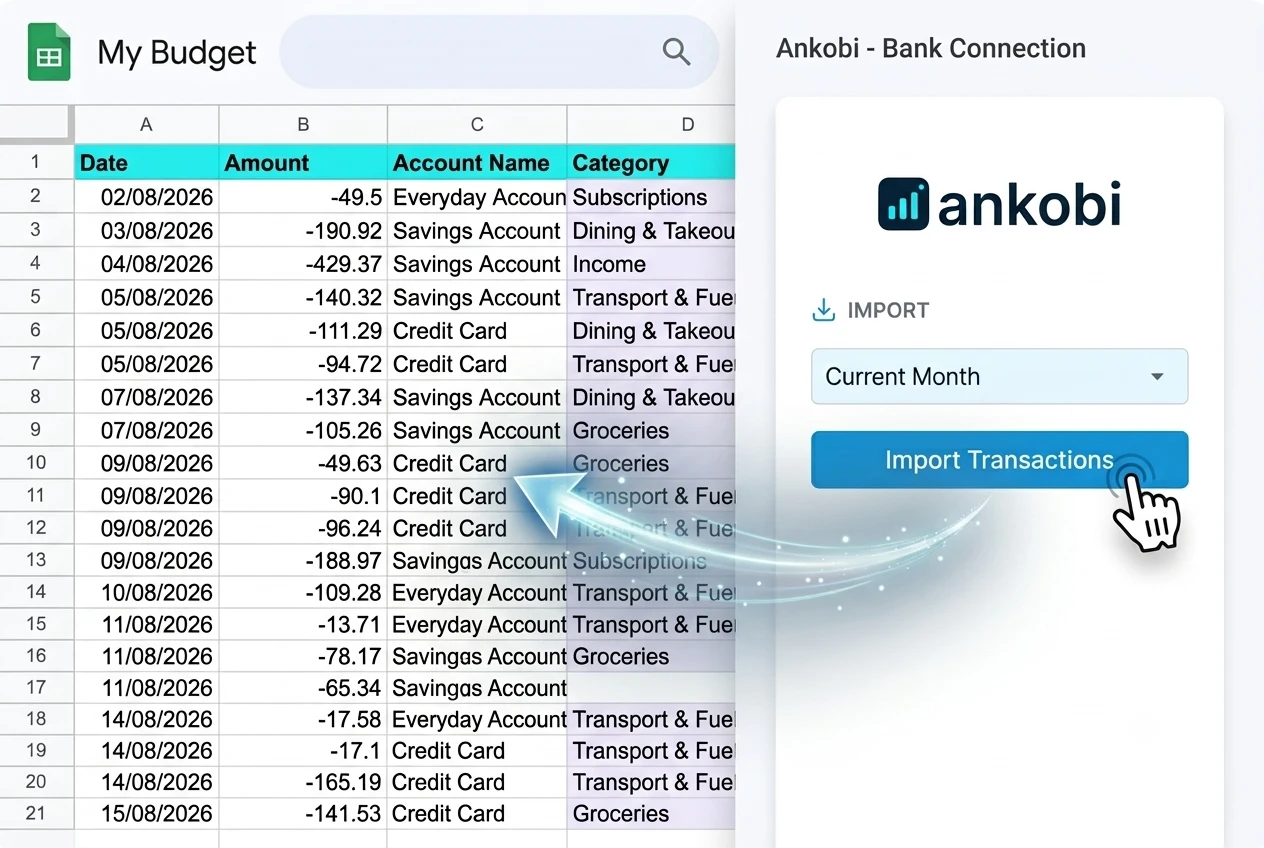
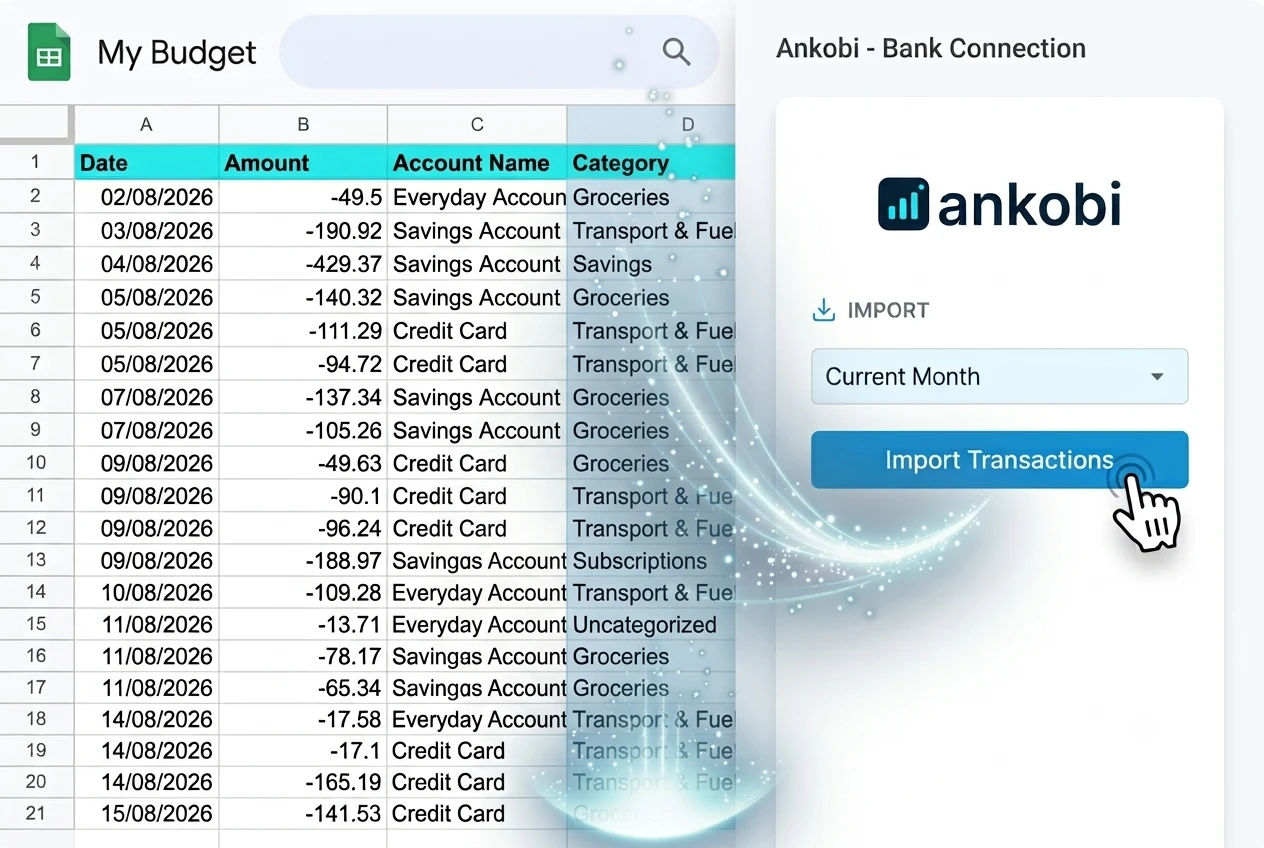
Ankobi learns from how you've categorised before and maps your bank's own categories, so most transactions arrive already sorted — ready for a quick review.
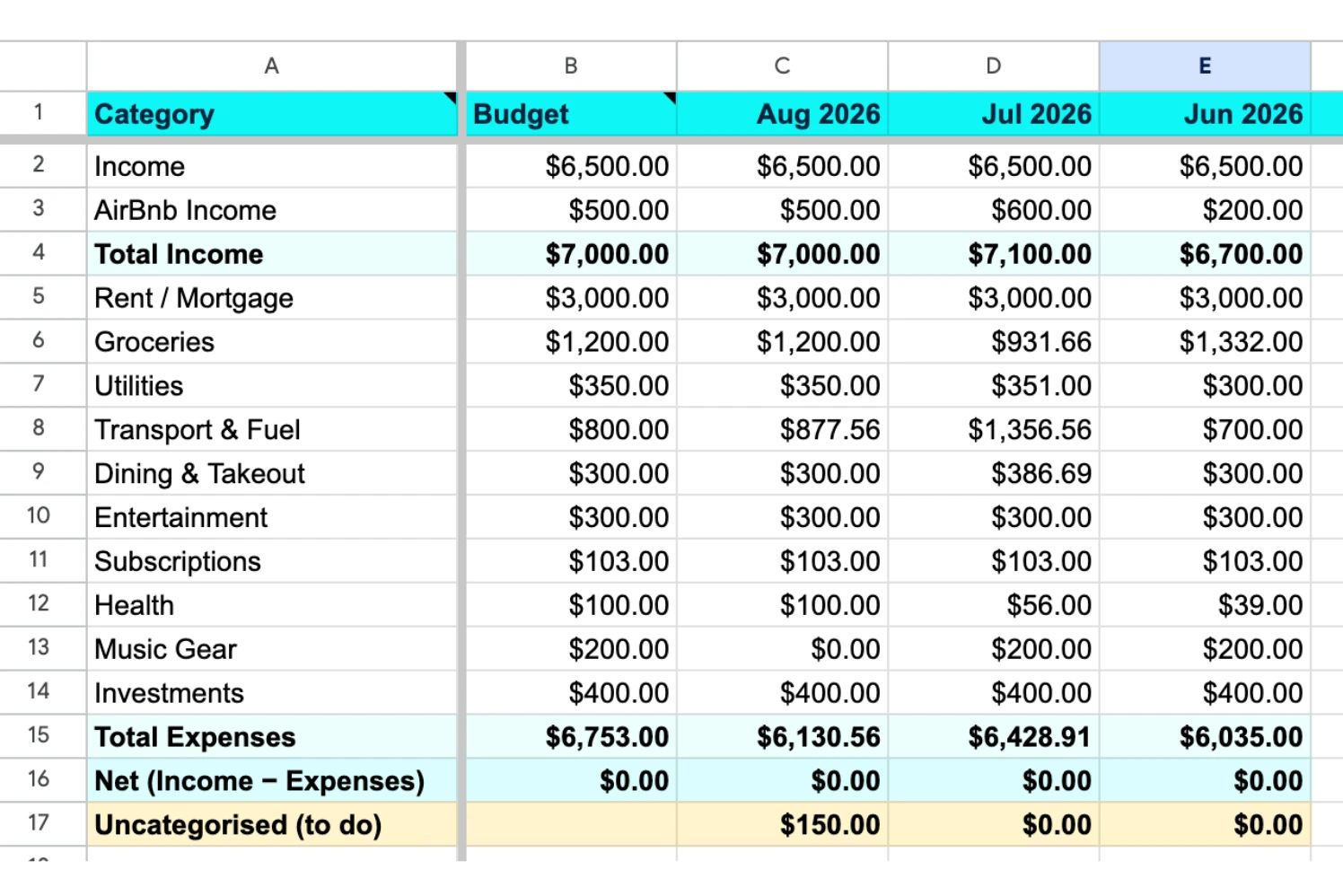
Use our budget template or create your own. Set a target per category and see spending vs budget each month, and what's still uncategorised.
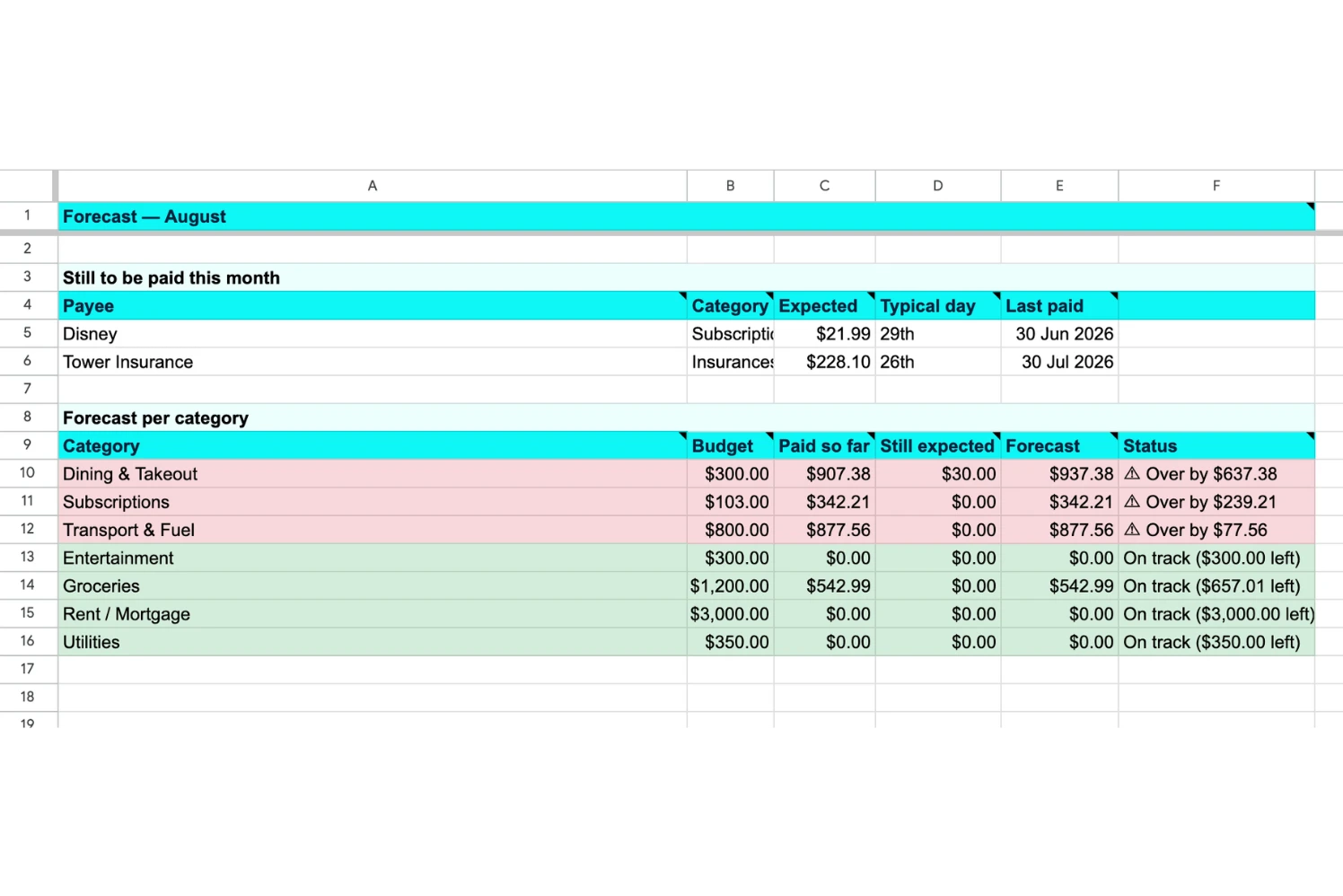
Ankobi spots the regular bills that haven't come out yet and forecasts each category's end-of-month total — so you can see early whether you're on track or heading over budget.
Three quick steps to a budget that keeps itself up to date.
Add Ankobi from Google Marketplace and open it in your spreadsheet.
Securely connect your accounts to import your transactions.
Import transactions — already auto-categorised — then set budgets and see what's left to sort.
Ideal for personal finance, and small-business reconciliation.
Get started